Free online tool
Free online process flow diagram maker
A process flow diagram shows the steps of a process in order. Start from a ready-made template for approvals, hiring or incident response, edit the steps to match how your team really works, and export it.
No sign-up, no watermark. Export a PNG or PDF.
Why map a process
Most processes live in people's heads, which means each person does them slightly differently. Drawing the process forces the steps, the decisions and the hand-offs into the open, so the team can agree on one version and spot the steps that waste time.
A process flow diagram uses a few standard shapes: rounded boxes for where the process starts and ends, rectangles for actions, diamonds for decisions and arrows for the order. Learning those four takes a minute, and it is enough to describe almost any workflow.
What people use it for
- Expense and purchase approval routes
- Hiring pipelines from application to offer
- Incident response runbooks that people follow under pressure
- Onboarding checklists and customer journeys
- Documenting a process before automating or outsourcing it
Free templates to start from
Open any template in the editor, then change the text, colours and shapes to fit your own diagram.
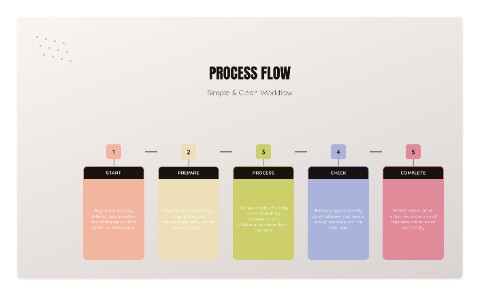 Process FlowProcess template
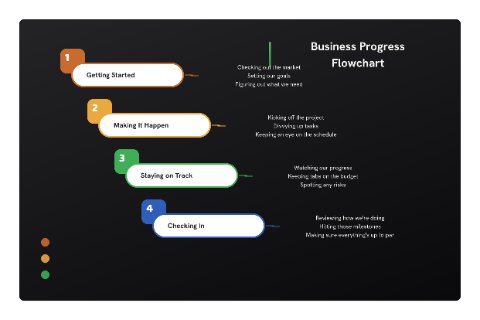 Business Progress FlowchartBusiness template
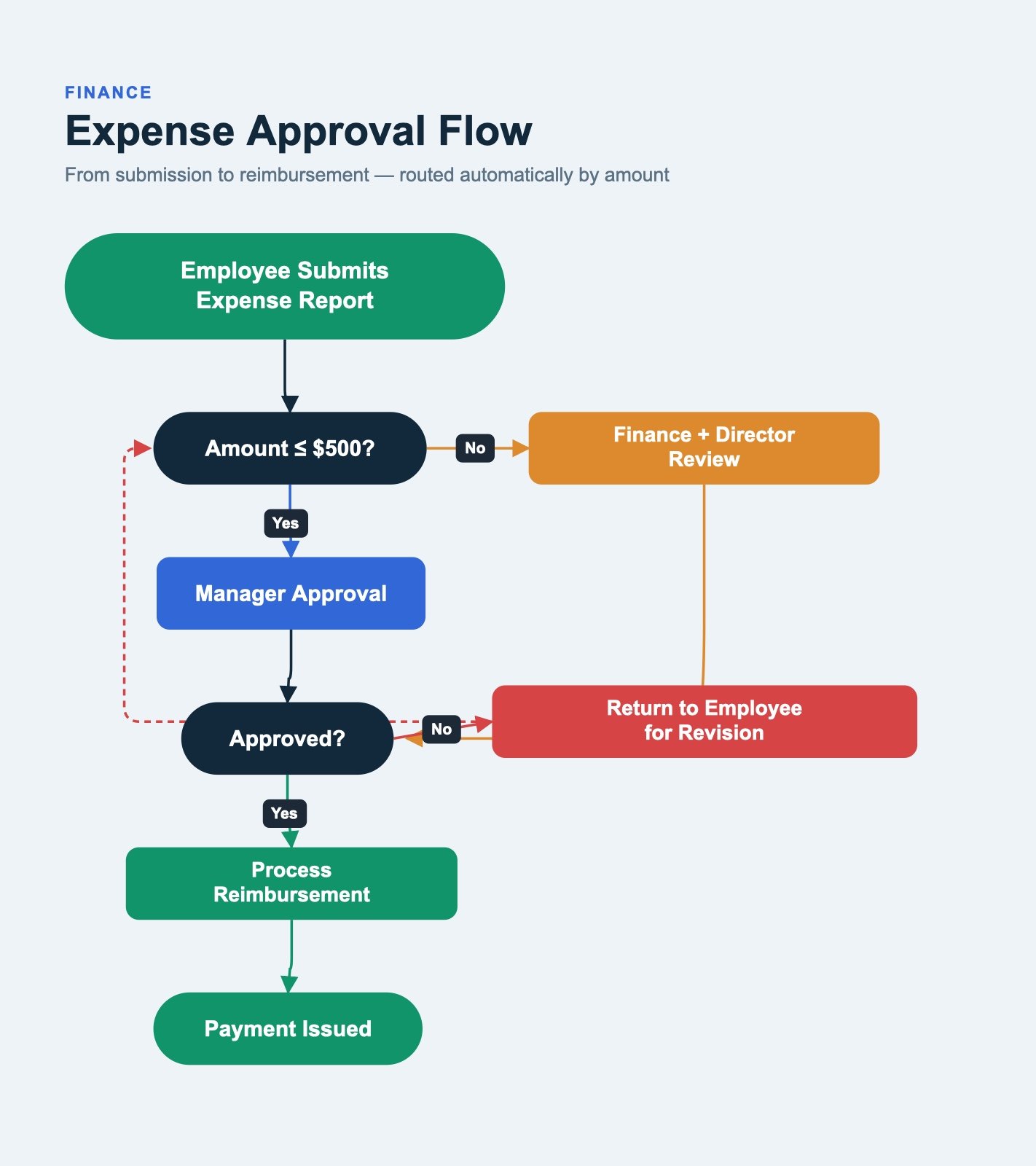 Expense Approval FlowFinance template
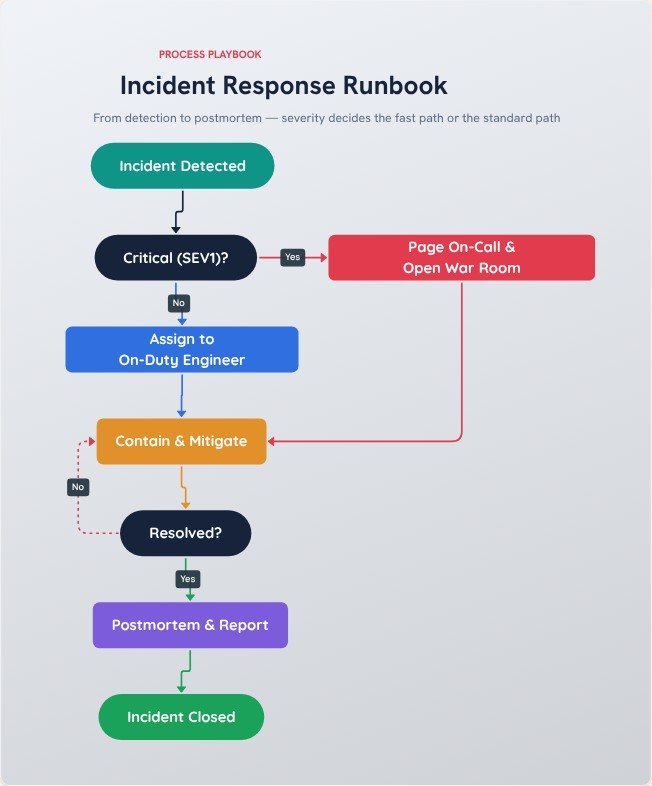 Incident Response RunbookProcess template
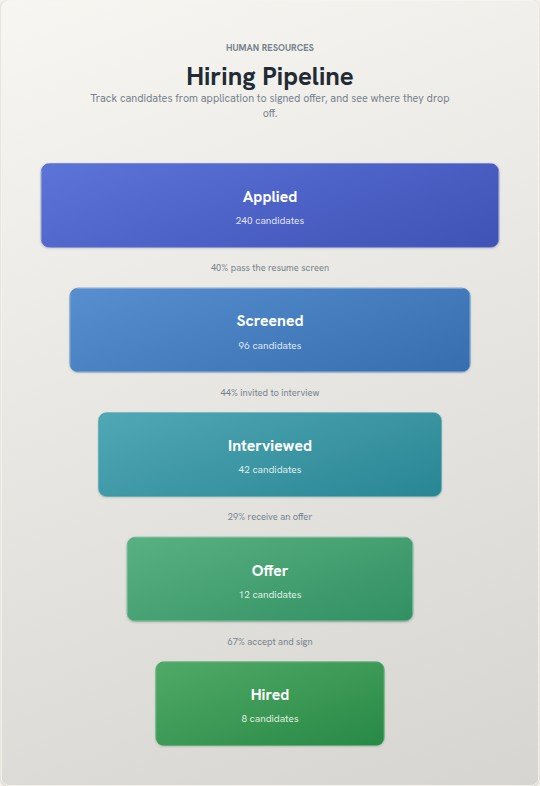 Hiring PipelineHR template
How to make one in four steps
- Write the start and the end of the process first, so the chart has clear boundaries.
- Add one shape per step in the order it happens, using a diamond wherever a decision splits the path.
- Connect the shapes with arrows and label every branch leaving a decision.
- Walk through the chart with someone who does the job. Fix whatever they disagree with, then export.
Tips for a clearer result
- Describe each step with a verb and an object, such as "Approve invoice". It keeps steps short and unambiguous.
- Keep the main path running in one direction, usually top to bottom or left to right.
- If a chart passes about fifteen steps, split it into a high-level view and detailed sub-processes.
Frequently asked questions
What are the standard flowchart symbols?
A rounded box marks the start or end, a rectangle is a step, a diamond is a decision, a parallelogram is input or output, and arrows show direction. FlowchartLab includes all of them, plus data store and document shapes.
Can I describe the process and have it drawn for me?
Yes. The Text to Flowchart tool takes a plain-language description and drafts the diagram, which you can then adjust in the editor.
Do I need to sign up?
No. Open the editor and start. There is no account, and your diagram is built in your browser, so nothing is uploaded unless you use the AI text-to-flowchart tool.
Can I export it without a watermark?
Yes. Export a high-resolution PNG or a PDF with no watermark. You can pick the quality, choose a square, widescreen or vertical canvas, and export with a transparent background if you want to place the diagram on a slide.