Free online tool
Free online swimlane diagram maker
A swimlane diagram splits a process into lanes, one per person or team, so you can see who does each step and where work is handed over. Start from a swimlane template and edit it for your process.
No sign-up, no watermark. Export a PNG or PDF.
What a swimlane diagram shows
A normal flowchart shows what happens. A swimlane diagram also shows who does it. Each lane is a role, a department or a system, and every step sits in the lane of whoever owns it. When an arrow crosses from one lane to another, that is a hand-off, which is where delays and mistakes usually creep in.
Swimlanes are the standard tool for cross-functional processes such as employee onboarding and offboarding, order fulfilment and support escalation. They answer the question a plain flowchart cannot: who is responsible at each point?
What people use it for
- Employee onboarding and offboarding across HR, IT and managers
- Order-to-delivery processes that cross sales, warehouse and finance
- Support escalation between tiers
- Software release flows across developers, QA and operations
- Finding the hand-offs that cause delays
Free templates to start from
Open any template in the editor, then change the text, colours and shapes to fit your own diagram.
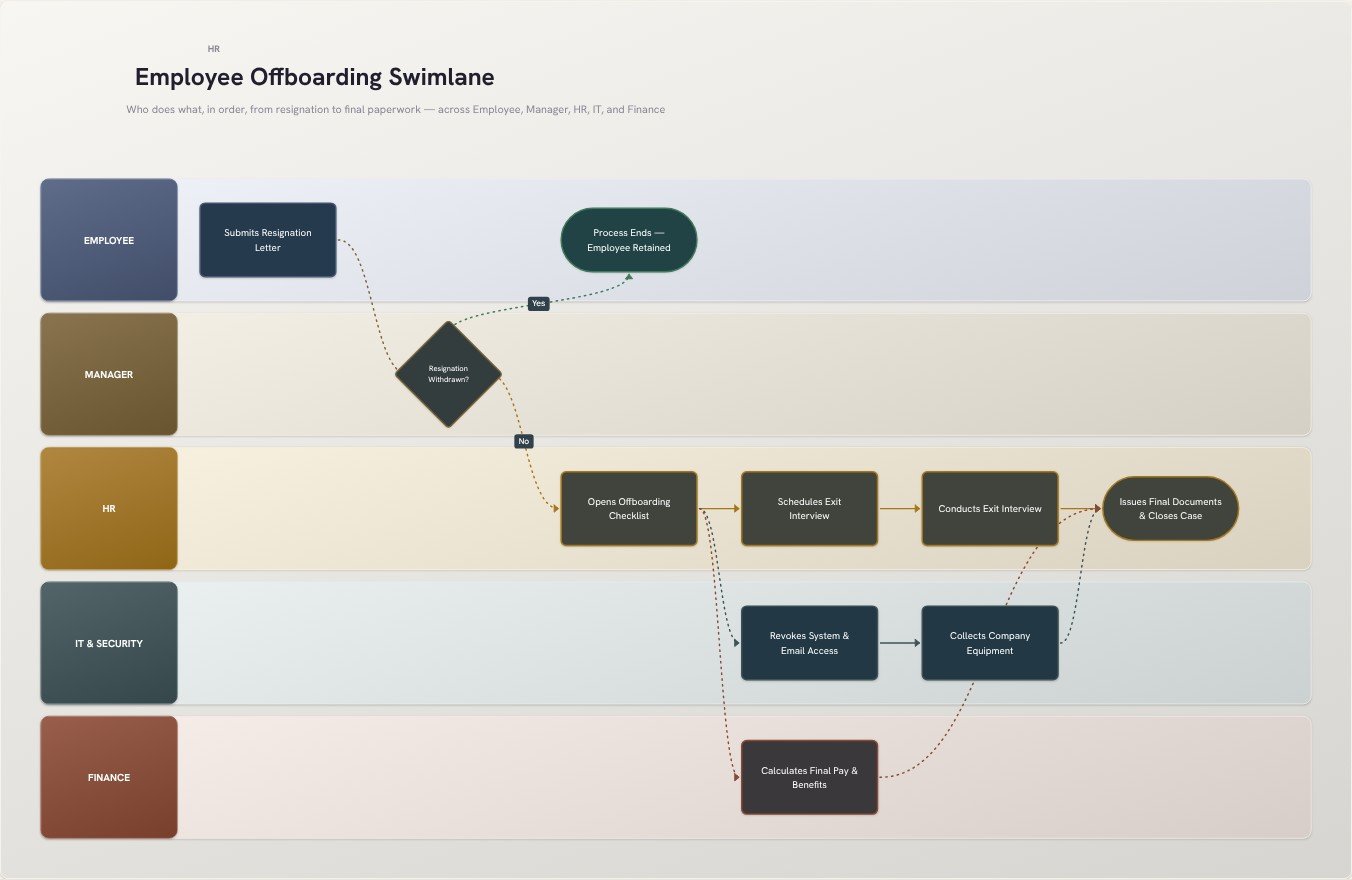 Employee Offboarding SwimlaneHR template
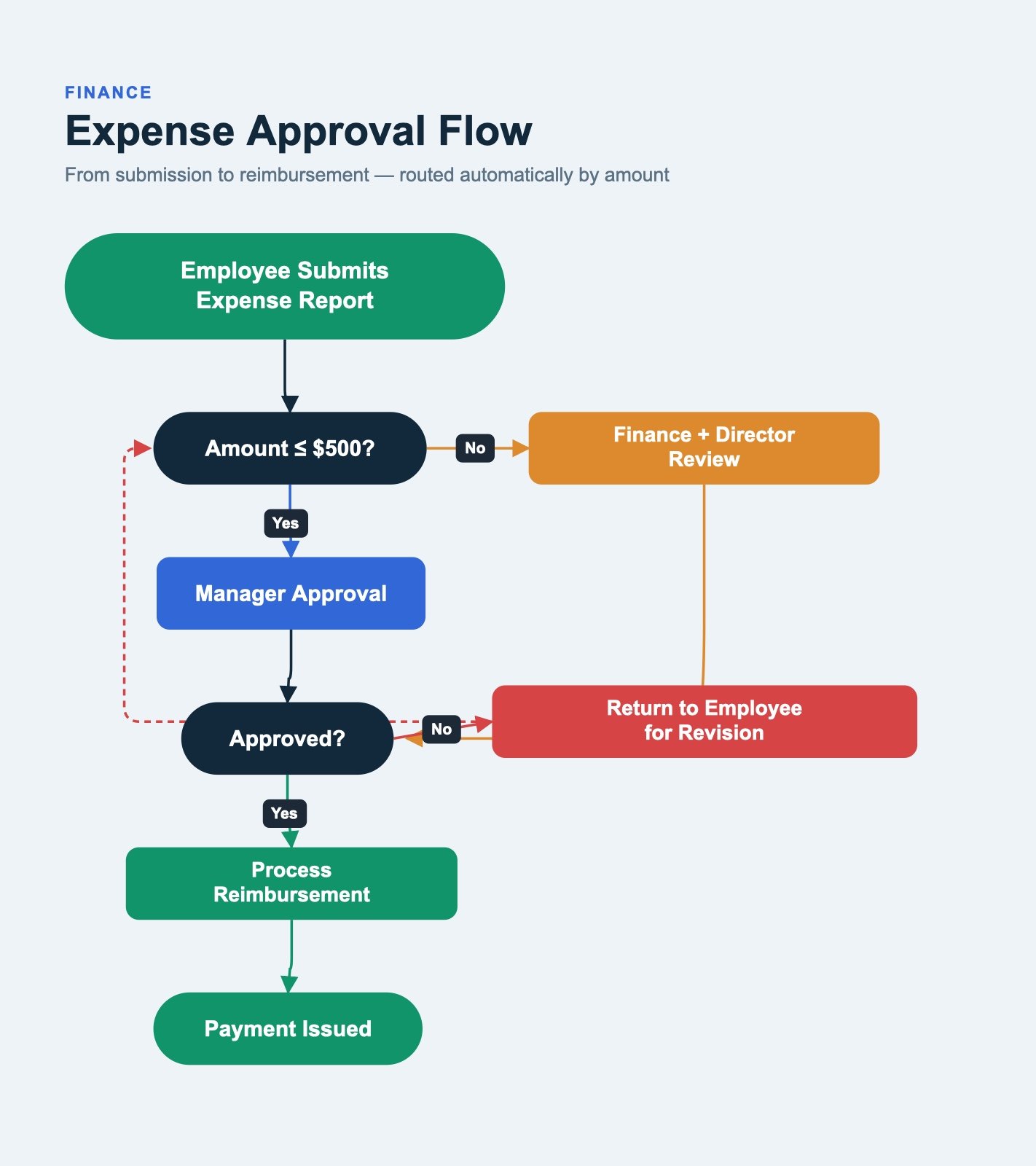 Expense Approval FlowFinance template
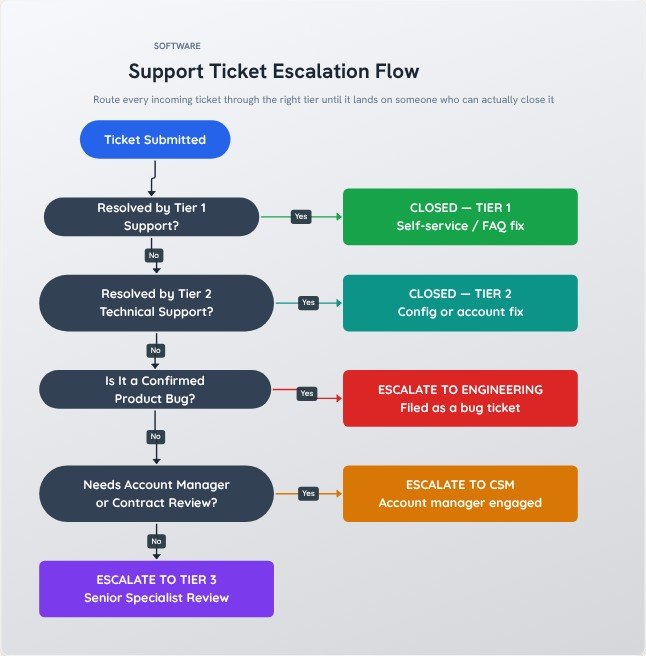 Support Ticket Escalation FlowSoftware template
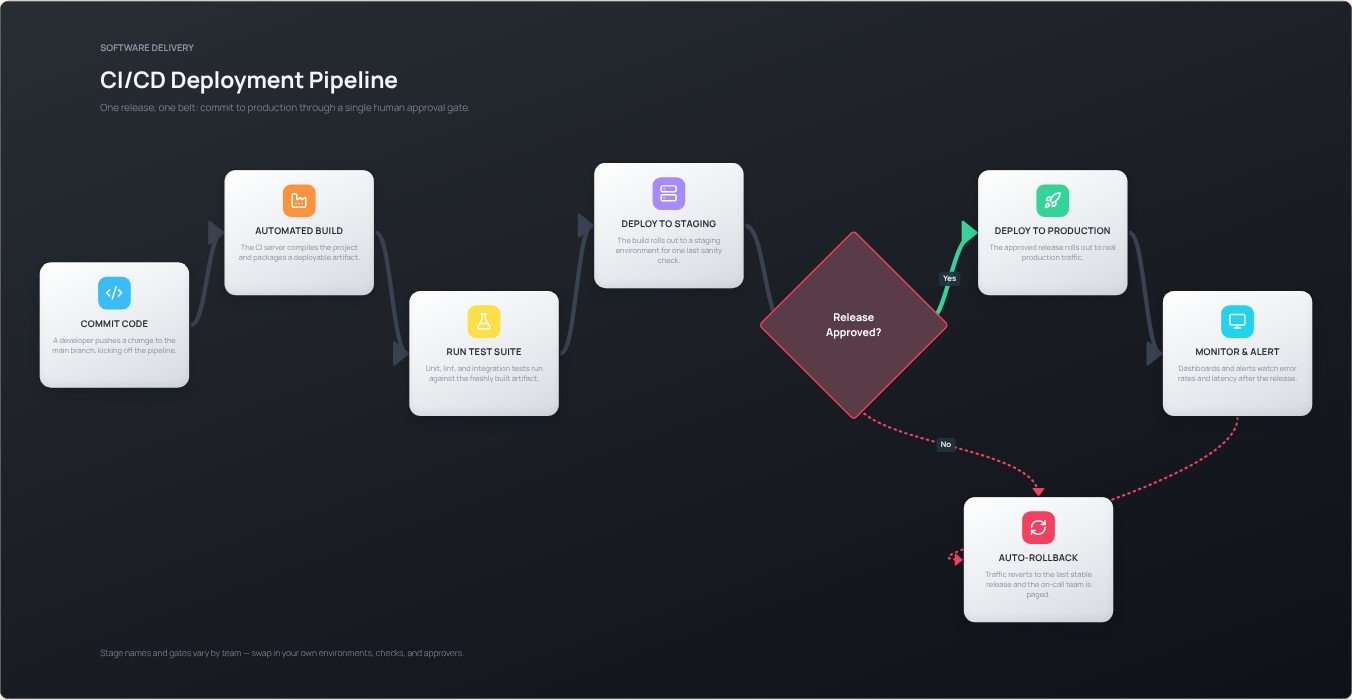 CI/CD Deployment PipelineSoftware template
How to make one in four steps
- Decide the lanes first: one per role, team or system that touches the process.
- Place each step in the lane of whoever does it, in the order it happens from left to right.
- Connect the steps. Every arrow that crosses a lane is a hand-off, so check each has a clear trigger.
- Export a PNG or PDF to share with every team in the process.
Tips for a clearer result
- Limit the diagram to about five lanes. More than that is hard to read on one screen.
- Name lanes by role, not by person, so the diagram stays valid when staff change.
- Count the lane crossings. Fewer hand-offs usually means a faster process.
Frequently asked questions
What is a swimlane diagram?
It is a flowchart divided into horizontal or vertical lanes, where each lane belongs to a person, team or system. It shows both the order of steps and who is responsible for each one.
When should I use a swimlane diagram instead of a flowchart?
Use a swimlane when more than one person or team is involved and responsibility matters. Use a plain flowchart when one person follows the steps alone.
Do I need to sign up?
No. Open the editor and start. There is no account, and your diagram is built in your browser, so nothing is uploaded unless you use the AI text-to-flowchart tool.
Can I export it without a watermark?
Yes. Export a high-resolution PNG or a PDF with no watermark. You can pick the quality, choose a square, widescreen or vertical canvas, and export with a transparent background if you want to place the diagram on a slide.