Free online tool
Free flowchart maker for students
Diagrams make hard topics easier to remember. Build mind maps, concept maps, study plans and comparison charts for school or college, with no account and no cost, and export them for your notes or assignments.
No sign-up, no watermark. Export a PNG or PDF.
How diagrams help you study
Reading notes again is one of the weakest ways to revise. Turning a topic into a diagram makes you decide what the main ideas are and how they connect, and that effort is what helps you remember. A mind map of a chapter, or a flowchart of a process such as photosynthesis, shows gaps in your understanding that notes hide.
Teachers also ask for diagrams in assignments, lab reports and presentations. A clean, correctly labelled flowchart or concept map can lift a piece of work, and you do not need design skills to make one from a template.
What people use it for
- Mind maps for revising a whole chapter on one page
- Concept maps that show how ideas in a subject relate
- Flowcharts of processes in science, maths and programming
- Weekly study plans and habit trackers
- Comparing universities, subjects or options before a big decision
Free templates to start from
Open any template in the editor, then change the text, colours and shapes to fit your own diagram.
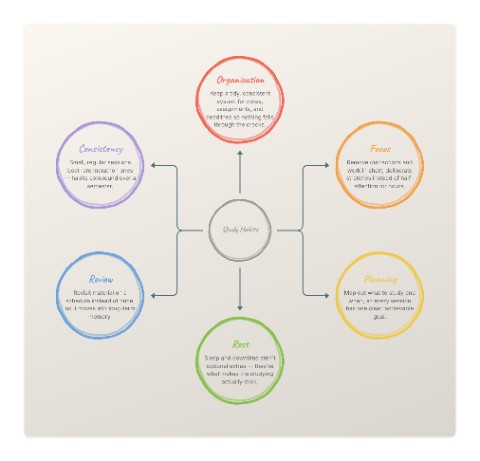 Study HabitsEducation template
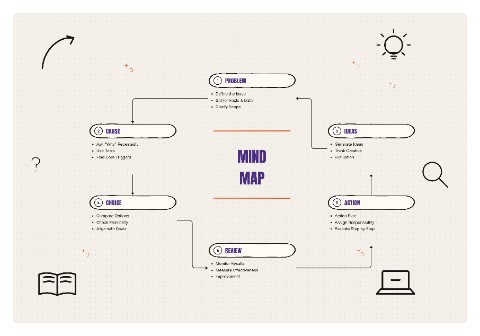 Mind MapStrategy template
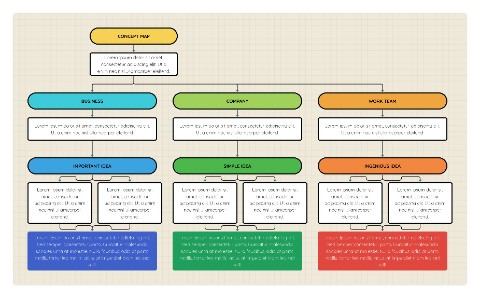 Concept MapBusiness template
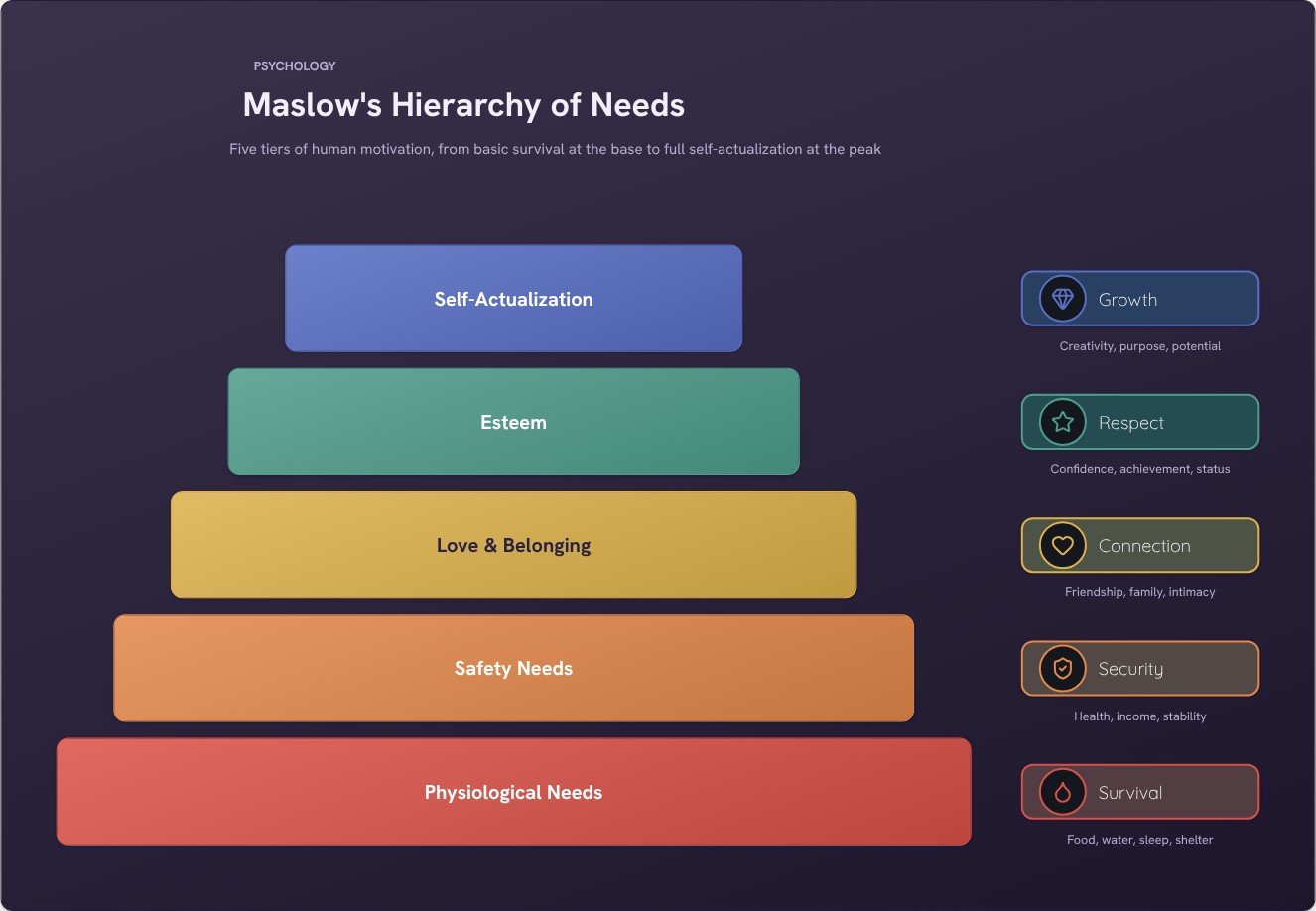 Maslow's Hierarchy of NeedsEducation template
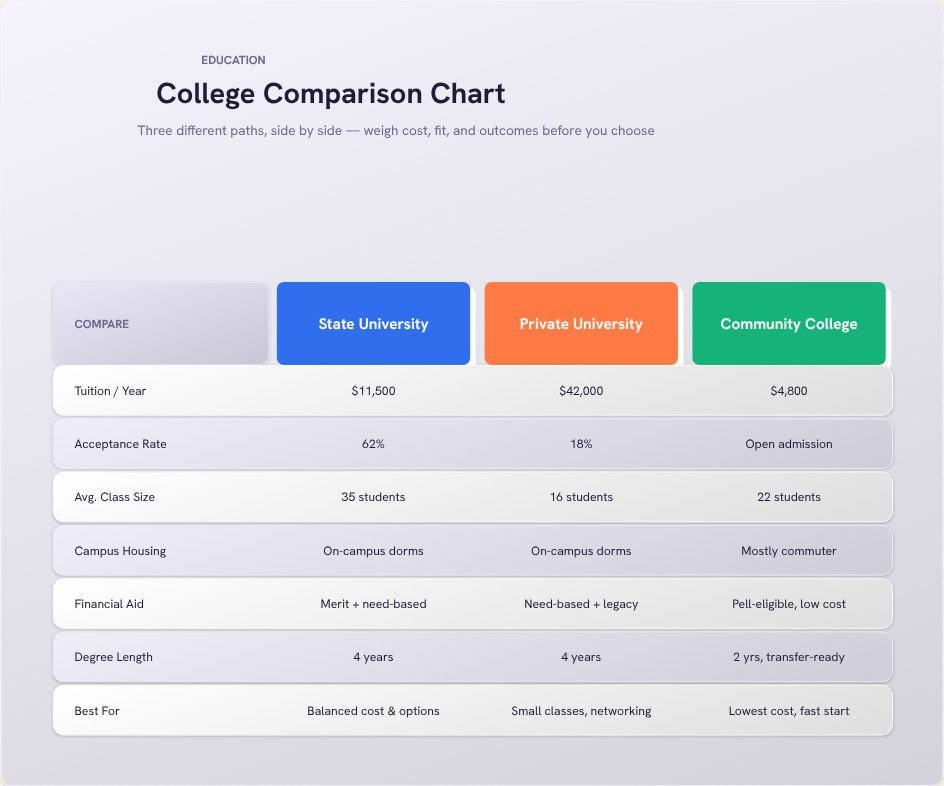 College Comparison ChartEducation template
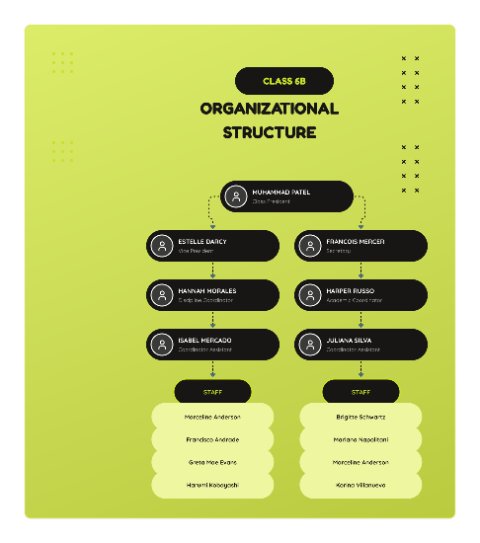 Class Organizational Structure (Lime)Education template
How to make one in four steps
- Pick the template that matches your task: mind map for a topic, concept map for relationships, flowchart for a process.
- Replace the example text with your own, and keep each label short.
- Add colours and icons to group related ideas, then check it is readable at a glance.
- Export a PNG to paste into your notes or presentation, or a PDF to print.
Tips for a clearer result
- Build the diagram from memory first, then check your notes. The gaps show what to revise.
- One diagram per topic. A map that tries to cover a whole subject is too crowded to help.
- Use your own words, not copied sentences, so the diagram reflects what you actually understand.
Frequently asked questions
Is FlowchartLab really free for students?
Yes. Every tool and template is free to use and there is no account or watermark.
Can I use these diagrams in school assignments?
Yes. Diagrams you create are yours to use in assignments, reports and presentations. Export them as a PNG and insert them into your document or slides.
Do I need to sign up?
No. Open the editor and start. There is no account, and your diagram is built in your browser, so nothing is uploaded unless you use the AI text-to-flowchart tool.
Can I export it without a watermark?
Yes. Export a high-resolution PNG or a PDF with no watermark. You can pick the quality, choose a square, widescreen or vertical canvas, and export with a transparent background if you want to place the diagram on a slide.