Free online tool
Free online org chart maker
An org chart shows who reports to whom. Start from a ready-made organizational chart template, replace the example names and roles with your own, and export a clean PNG or PDF. No account and no watermark.
No sign-up, no watermark. Export a PNG or PDF.
What an org chart is good for
An organizational chart is a tree. The top box is the person or team at the head of the structure, and each line downward connects a manager to the people or teams who report to them. Anyone can read it in seconds, which is why it is the standard way to explain how a company, a department or a classroom is organised.
Good org charts answer three questions: who is accountable for what, who does a person go to with a problem, and where is there a gap. Keeping the chart to one idea, such as reporting lines, stops it turning into a wall of boxes.
What people use it for
- Showing a company or department structure to new hires
- Planning a re-organisation before announcing it
- Mapping a school, club or class so everyone knows their role
- Pitch decks and investor documents that need a team slide
- Succession planning: who steps up when a role opens
Free templates to start from
Open any template in the editor, then change the text, colours and shapes to fit your own diagram.
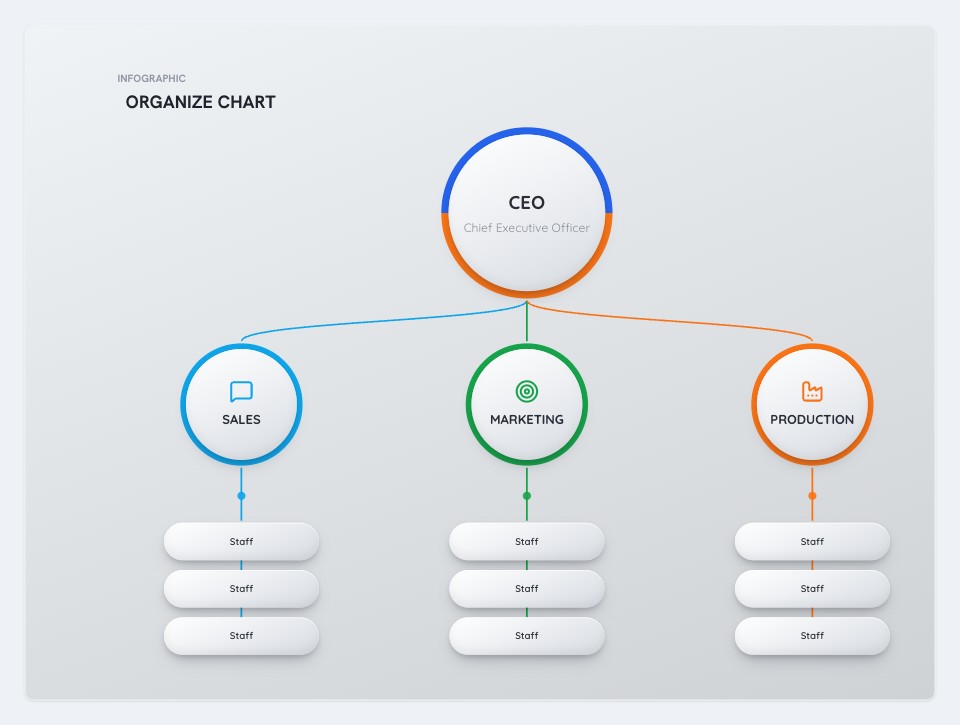 CEO Organizational ChartBusiness template
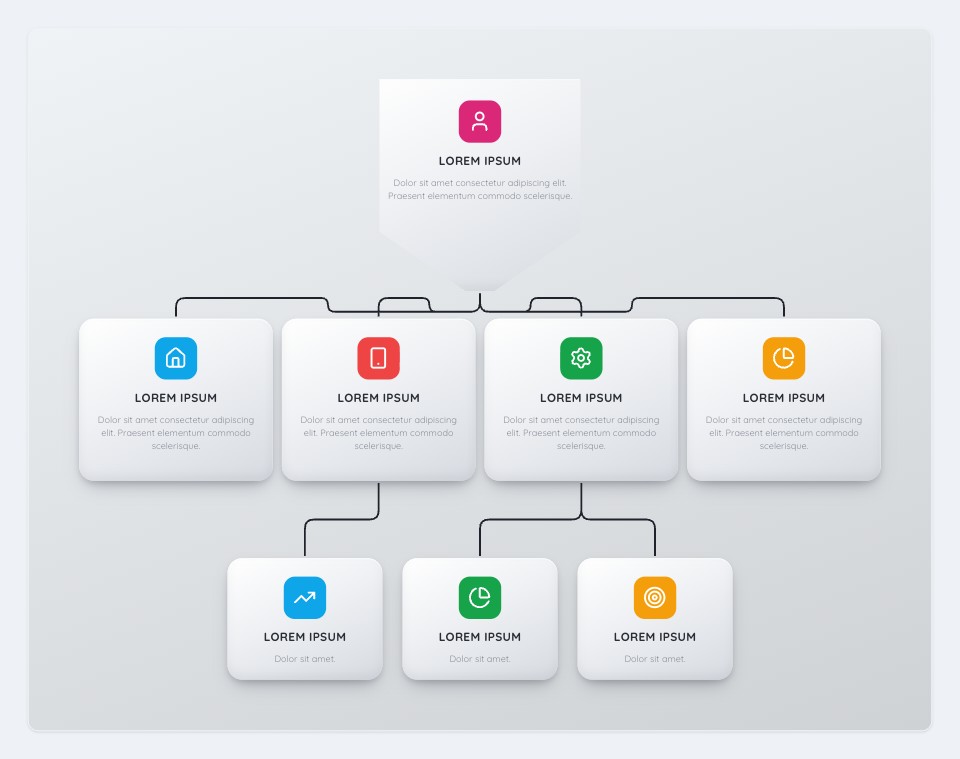 Icon Org TreeBusiness template
 Structure CompanyHR template
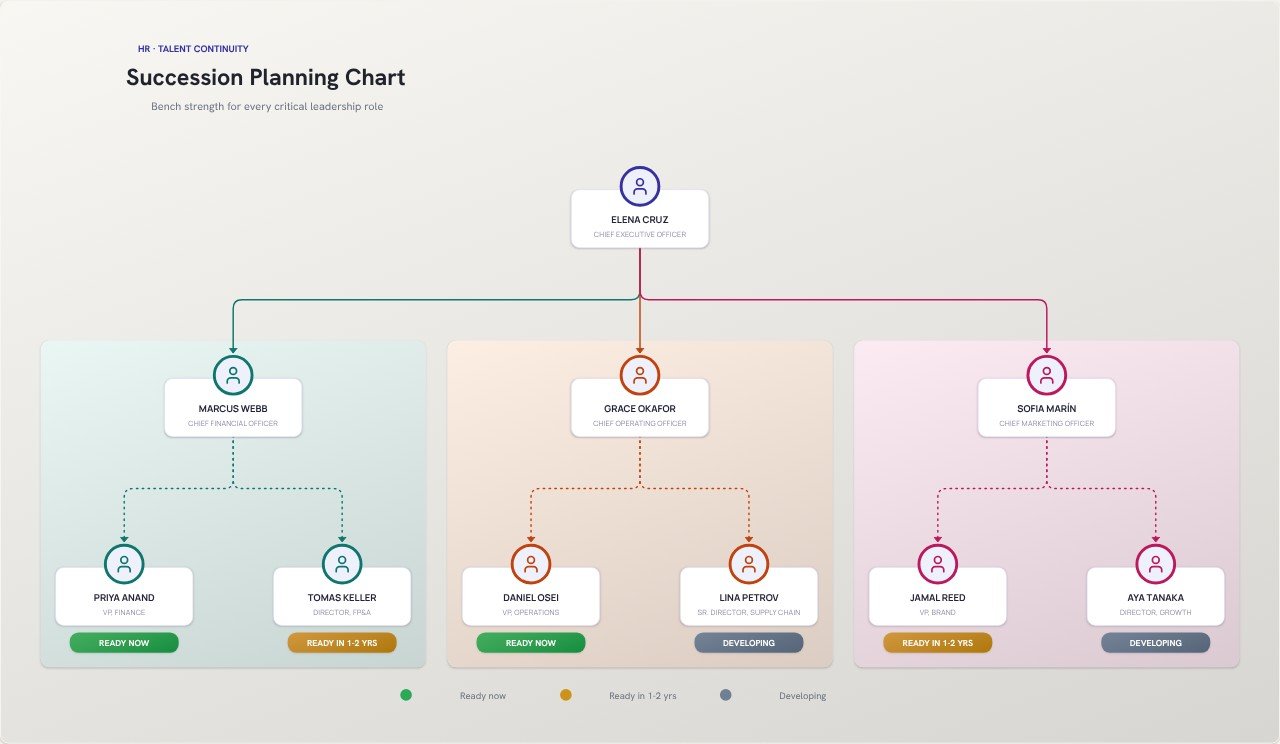 Succession Planning ChartHR template
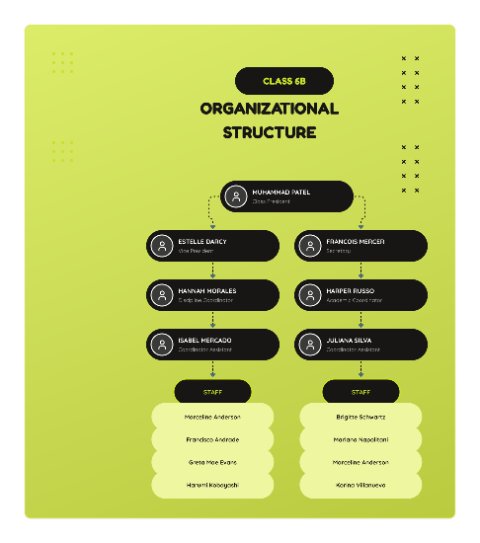 Class Organizational Structure (Lime)Education template
How to make one in four steps
- Pick an org chart template that matches the size of your team, or open the blank editor.
- Click each box and type the name and role. Add or duplicate boxes for new positions.
- Draw connectors from each manager to their reports, and colour the boxes by department.
- Export a PNG for slides and documents, or a PDF for printing.
Tips for a clearer result
- Keep each level to five to eight boxes. More than that is easier to read as a second chart.
- Put the role first and the name second. Roles outlive people, and the chart stays useful after someone leaves.
- Use one colour per department, not one colour per person.
Frequently asked questions
How do I make an org chart for free?
Open an org chart template in FlowchartLab, type your own names and roles into the boxes, connect them to show reporting lines, then export as PNG or PDF. The whole process takes a few minutes and costs nothing.
Can I add photos or icons to the boxes?
Yes. The Icon Org Tree template uses icons for each role, and the Image Flowchart tool lets you use your own photos as steps.
Do I need to sign up?
No. Open the editor and start. There is no account, and your diagram is built in your browser, so nothing is uploaded unless you use the AI text-to-flowchart tool.
Can I export it without a watermark?
Yes. Export a high-resolution PNG or a PDF with no watermark. You can pick the quality, choose a square, widescreen or vertical canvas, and export with a transparent background if you want to place the diagram on a slide.