Free online tool
Free online timeline maker
A timeline lays events or tasks out in time order so people can see what happens when. Start from a vertical timeline, a project Gantt chart or a roadmap template, change the dates and steps, and export it.
No sign-up, no watermark. Export a PNG or PDF.
Choosing the right kind of timeline
A simple timeline lists milestones in order along a line, which is ideal for a history, a plan with a handful of key dates, or a countdown such as a wedding schedule. A Gantt chart goes further: each task is a bar showing when it starts, how long it takes and how it overlaps with the others, which is what a project plan needs.
A roadmap sits between the two. It shows the big stages of a plan over a longer period without tying every item to a day. Pick the simplest form that carries your message, because every extra detail makes a timeline harder to read.
What people use it for
- Project plans and schedules with overlapping tasks
- Product and growth roadmaps for a team or investors
- Event and wedding planning countdowns
- Personal goals such as saving for retirement
- History, biography and school projects
Free templates to start from
Open any template in the editor, then change the text, colours and shapes to fit your own diagram.
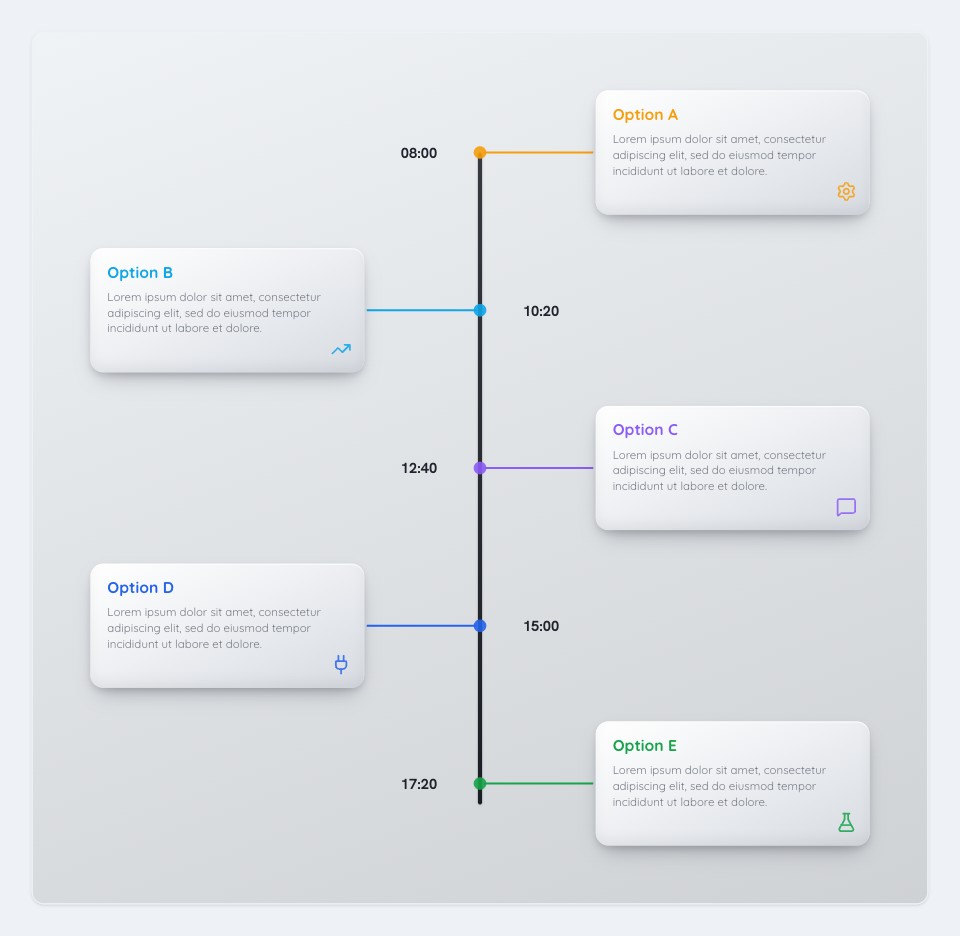 Vertical TimelineProject Management template
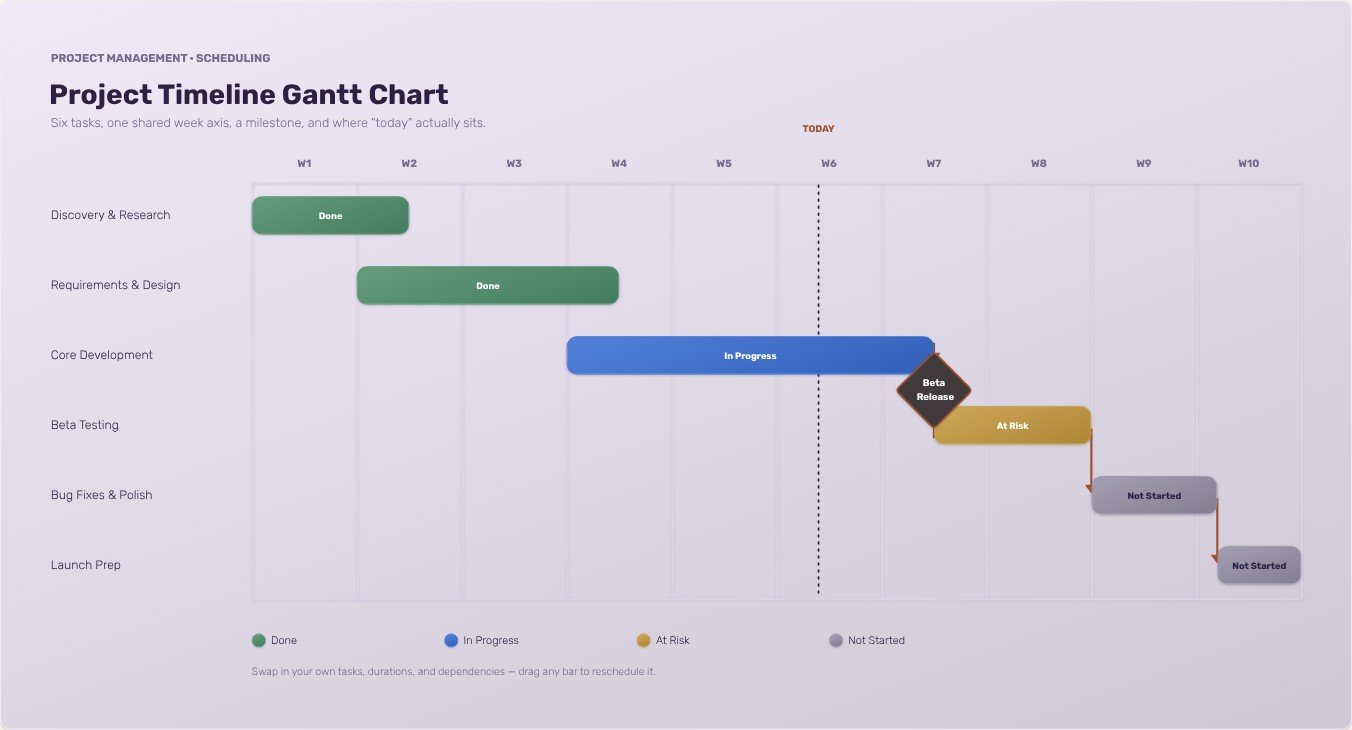 Project Timeline Gantt ChartProject Management template
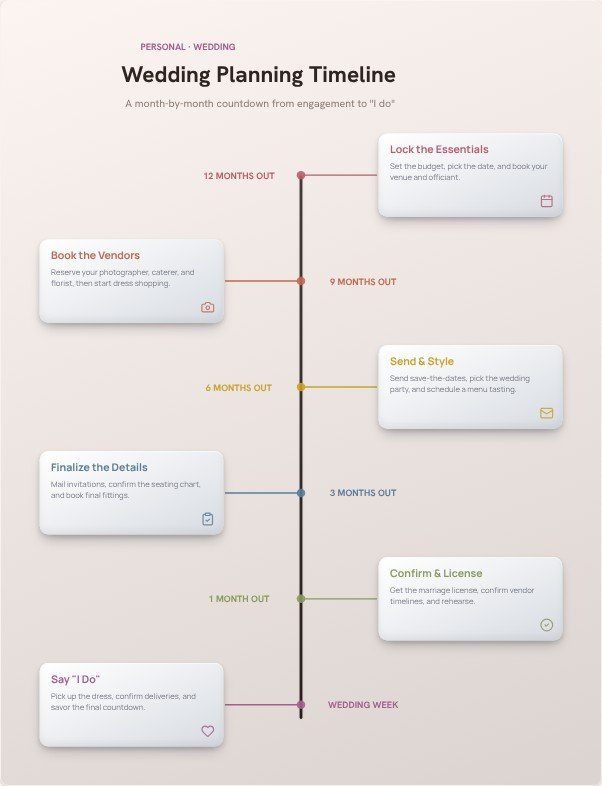 Wedding Planning TimelinePersonal template
 Growth RoadmapStrategy template
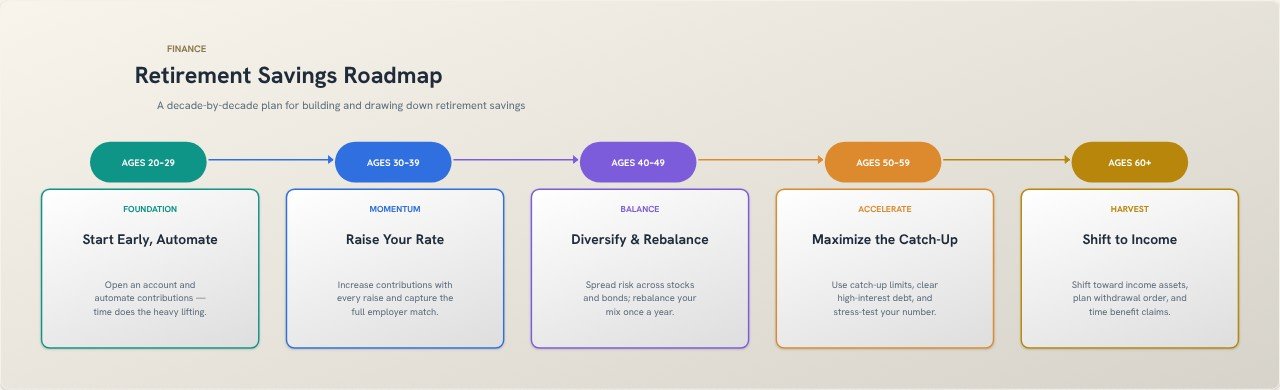 Retirement Savings RoadmapFinance template
How to make one in four steps
- Choose a template: vertical timeline for milestones, Gantt chart for tasks over time, roadmap for stages.
- Replace the example dates and labels with your own, and add or remove entries.
- Colour-code by owner or phase so the pattern is clear at a glance.
- Export a PNG for slides or a PDF for printing.
Tips for a clearer result
- Show only the milestones that matter. Ten clear entries beat thirty crowded ones.
- Keep the spacing proportional to time where you can, so long gaps look long.
- Mark the deadline or the launch date in a different colour so it stands out.
Frequently asked questions
Can I make a Gantt chart here?
Yes. The Project Timeline Gantt Chart template shows tasks as bars across a time scale. Edit the task names, bar lengths and colours to match your project.
How do I make a timeline for a school project?
Open the vertical timeline template, replace the example entries with your dates and events, pick colours for each period, and export it as a PNG to paste into your document or slides.
Do I need to sign up?
No. Open the editor and start. There is no account, and your diagram is built in your browser, so nothing is uploaded unless you use the AI text-to-flowchart tool.
Can I export it without a watermark?
Yes. Export a high-resolution PNG or a PDF with no watermark. You can pick the quality, choose a square, widescreen or vertical canvas, and export with a transparent background if you want to place the diagram on a slide.