Free online tool
Free online mind map maker
A mind map puts one idea in the centre and branches out from it. Start from a mind map template, replace the branches with your own topics, and export a picture you can share or print.
No sign-up, no watermark. Export a PNG or PDF.
What a mind map is for
A mind map starts with a central topic and grows outward: main branches for the big themes, smaller branches for the details. Because it is not a list, you can add ideas as you think of them and see how they connect.
Mind maps are used to brainstorm, to plan an essay or a project, and to revise a subject. Related diagram types work well too: a concept map shows how ideas relate with labelled links, and a radial map lays options around a hub.
What people use it for
- Brainstorming a project, campaign or product idea
- Planning an essay, a presentation or a video
- Revising for an exam by mapping a whole topic on one page
- Showing how the parts of a strategy connect
- Meeting notes that need structure rather than a list
Free templates to start from
Open any template in the editor, then change the text, colours and shapes to fit your own diagram.
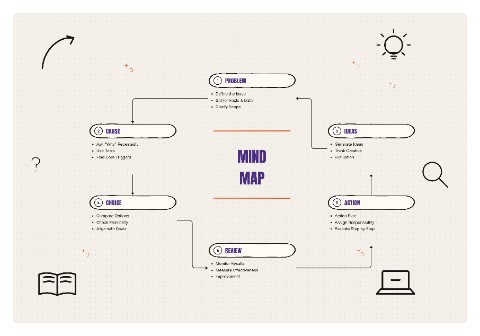 Mind MapStrategy template
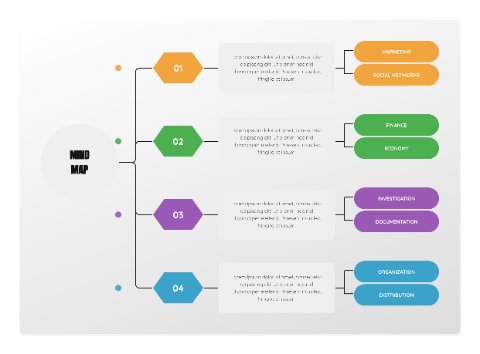 Radial Idea MapBusiness template
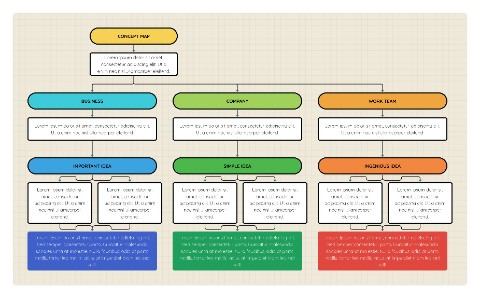 Concept MapBusiness template
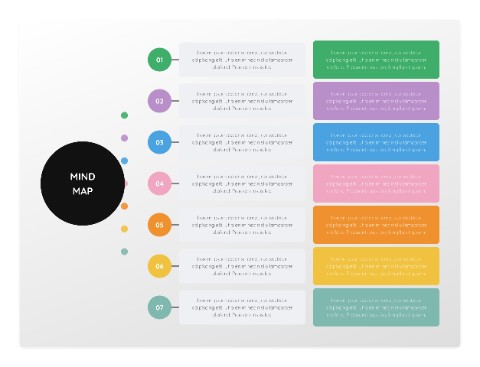 Orbit MapStrategy template
How to make one in four steps
- Open a mind map template and replace the centre text with your main topic.
- Add a branch for each major theme, then add smaller branches for details.
- Give each main branch its own colour so the structure is clear at a glance.
- Export a PNG for notes and slides, or a PDF for printing.
Tips for a clearer result
- Use single words or short phrases on branches. Full sentences turn a map back into a list.
- Stop at three levels of branches. If a branch needs more, give it its own map.
- Put the most important branch at the top right, where people look first.
Frequently asked questions
What is the difference between a mind map and a concept map?
A mind map branches from one central idea and the lines carry no words. A concept map links several ideas and writes a short phrase on each line to say how they relate.
Can I change the colours of the branches?
Yes. Select any shape and pick a colour from the palette on the left, or recolour all the text at once with the All text controls.
Do I need to sign up?
No. Open the editor and start. There is no account, and your diagram is built in your browser, so nothing is uploaded unless you use the AI text-to-flowchart tool.
Can I export it without a watermark?
Yes. Export a high-resolution PNG or a PDF with no watermark. You can pick the quality, choose a square, widescreen or vertical canvas, and export with a transparent background if you want to place the diagram on a slide.